

Did you know that QR codes can enhance your Facebook page’s visibility and engagement? As businesses and creators strive to connect with their audience, QR codes serve as a valuable tool to bridge the gap between offline and online interactions. Whether you’re promoting an event, sharing your business details, or looking to increase your followers, having a QR code linked directly to your Facebook page can significantly boost your reach and provide a seamless way for potential customers to engage with your content.
Navigating the process of generating a QR code might seem intimidating, especially amidst Facebook’s ever-evolving features. But don’t worry! This guide will walk you through each step, ensuring you can effortlessly create a QR code that works for you. With some simple steps, you can enhance your marketing strategy and connect with your audience more effectively. Ready to unlock the potential of your Facebook page? Let’s get started!
How QR Codes Can Transform Your Facebook Page
The advent of QR codes has ushered in a new era for businesses and personal brands alike, seamlessly connecting offline and online worlds. By incorporating a QR code linked to your Facebook page, you can significantly increase your reach and engagement. Imagine the ease with which potential followers can access your page just by scanning a code; it’s a powerful tool that simplifies the connection process and enhances user interaction.
A QR code can act as a digital bridge to your Facebook presence, allowing you to share your page quickly and efficiently in various contexts. For example, placing a QR code on printed materials such as flyers, business cards, or promotional merchandise makes it incredibly easy for customers to find and follow your social media updates. This accessibility can greatly amplify your audience, as it taps into both mobile users and those who may not be familiar with searching for your brand online.
When designing your marketing strategy, consider integrating QR codes into various touchpoints. For instance, restaurants can place QR codes on their menus, allowing patrons to quickly access their social media, while event organizers can use QR codes for tickets that direct attendees to Facebook events or exclusive content. This not only enhances customer experience but also encourages continuous interaction with your brand through stories, posts, and updates.
Ultimately, leveraging QR codes as part of your Facebook strategy empowers you to create a direct channel for engagement, opens up opportunities for real-time interactions, and effectively fosters a sense of community. With the right approach, your Facebook page can be transformed from a static profile into a dynamic platform that attracts and retains audience interest, driving both visibility and loyalty.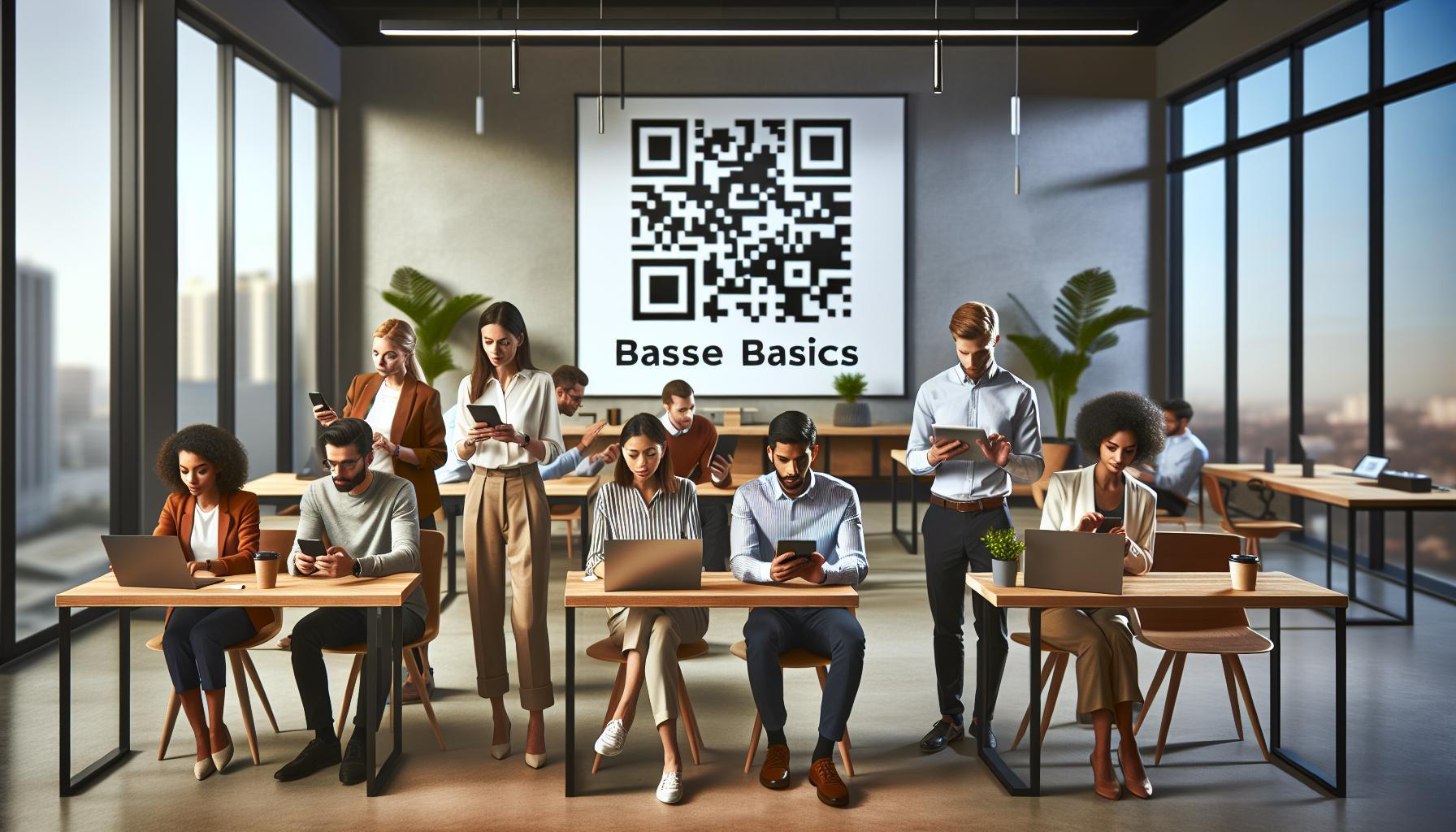
Understanding the Basics of QR Codes
The digital landscape continues to evolve, and one compelling innovation that has gained prominence is the QR code. Originally designed for quick scanning in manufacturing settings, QR codes have now exploded in popularity across various sectors, including social media. Understanding how QR codes function and how they can enhance your Facebook presence is essential for any business looking to connect more effectively with their audience.
At their core, QR codes (Quick Response codes) are two-dimensional barcodes that store data, which can be accessed using a smartphone camera or a dedicated app. Once scanned, these codes can direct users to URLs, open applications, display text, or even initiate phone calls. With the prevalence of smartphones, the utility of QR codes has skyrocketed. By linking a QR code to your Facebook page, you offer potential followers an effortless way to connect with your content, making it an efficient tool for nurturing engagement.
To create a QR code for your Facebook page, follow these straightforward steps:
- Choose a QR Code Generator: There are many free QR code generators available online, such as QR Code Generator, QRStuff, and GoQR.me. These platforms typically allow you to input the URL of your Facebook page and generate a QR code tailored to your needs.
- Enter Your Facebook URL: Copy the URL of your Facebook page and paste it into the QR code generator. Ensure that the link you provide is accurate to avoid directing users to the wrong destination.
- Generate the QR Code: Click on the “Generate” button. Your QR code will be created in a matter of seconds.
- Download and Save Your QR Code: Download the QR code image in a suitable format (usually PNG or JPEG) and save it on your device for easy access.
By understanding the mechanics of QR codes, businesses can harness their potential to drive traffic and enhance connectivity with customers.
Privacy and security are also paramount concerns when using QR codes. Be mindful that some users may be hesitant to scan codes due to fears of phishing or malware. Ensure that your Facebook page link is legitimate and consider accompanying the QR code with a brief explanation of its purpose. Informing users about what they can expect when they scan your code helps build trust and encourages them to engage.
In conclusion, AR codes perform as a digital invitation, urging users to explore your Facebook page content swiftly and securely. Equipped with this knowledge, you’re now ready to integrate QR codes into your marketing strategy effectively.
Creating Your Facebook Page QR Code Step-by-Step
Creating a QR code for your Facebook page is a straightforward process that can significantly enhance your online presence and engagement rates. By offering an easy way for users to connect with your content, you can increase traffic and build a loyal following. Here’s a step-by-step guide to help you design your own Facebook page QR code seamlessly.
Step 1: Select a QR Code Generator
A variety of QR code generators are available that can help you create customized codes. Some popular options include:
- QR Code Generator
- QRStuff
- GoQR.me
These platforms are user-friendly and often free, making them accessible for anyone looking to create a QR code.
Step 2: Accurately Obtain Your Facebook Page URL
Before generating your QR code, you need the precise URL of your Facebook page. Navigate to your Facebook page and copy the link from the address bar. Make sure it directs users to the intended destination; an accurate link will prevent any potential usability issues.
Step 3: Generate Your QR Code
With your URL ready, return to your chosen QR code generator. Input your Facebook page link into the designated field. After pasting the URL, click the “Generate” button, and within seconds, your QR code will be created. Most generators also provide a preview of the code to ensure it looks correct.
Step 4: Customize and Download Your QR Code
Many QR code generators allow for customization options, such as changing colors or adding a logo. This can help reinforce your branding. After making any necessary adjustments, download your QR code in a suitable format, such as PNG or JPEG. Storing it on your device will give you easy access for future promotions.
Step 5: Test the QR Code
Before officially sharing your QR code, it’s crucial to test it. Use a smartphone’s camera or a QR code scanning app to see if the code successfully directs to your Facebook page. This step ensures a smooth user experience and prevents any frustrations for your audience once you start promoting it.
By following these steps, you’ll be well on your way to effectively harnessing the power of QR codes to boost your Facebook page reach and engagement. Whether you’re a small business owner or an individual creator, this simple yet effective tool can create direct touchpoints between you and your audience, allowing for a seamless connection that enhances your overall marketing strategies.
Customizing Your QR Code for Effective Branding
The ability to customize your QR code offers a remarkable opportunity to enhance your brand visibility and ensure high engagement levels. A simple black-and-white code can easily blend into the background, but a well-branded QR code stands out, captures attention, and reflects your brand’s identity. As a business owner or content creator, integrating your unique branding elements into your QR code can create a seamless experience that encourages users to scan it and connect with your Facebook page.
Utilizing Brand Colors
One of the easiest ways to customize your QR code is by incorporating your brand colors. Select a color palette that aligns with your overall branding strategy. For instance, if your brand’s primary color is blue, adjust the QR code to feature this hue prominently. This not only ensures that your QR code catches the eye but also creates a consistent visual experience for users. Most QR code generators offer the option to change colors, allowing you to personalize the design.
Adding a Logo or Icon
Including your logo can enhance brand recognition and make your QR code instantly recognizable. Uploading a logo to the center of your QR code can help differentiate it from standard codes while simultaneously reinforcing your brand identity. However, it’s important to ensure that the logo does not obscure too much of the code; testing the QR code after customization is crucial to ensure it retains scannability.
Incorporating a Call-to-Action
To drive engagement further, consider adding a call-to-action (CTA) alongside your QR code’s placement. Phrasing such as “Scan to Follow Us on Facebook!” or “Join Our Community!” can effectively prompt potential followers to take immediate action, increasing the likelihood of interaction. When placing these CTAs, maintain consistency with your brand voice, which can also help convey professionalism and trust.
Testing and Evaluating Custom Designs
Once your customized QR code is ready, conducting thorough testing is essential. Scan the code using various devices and QR code applications to ensure it directs users correctly to your Facebook page. Keep in mind that if your customization leads to any distortions, it may hinder the QR code’s usability. Save the design as high-resolution images to maintain quality across different platforms – whether you display it on print materials, digital content, or merchandise.
By thoughtfully customizing your QR code with brand colors, logos, and impactful CTAs, you not only enhance the visual appeal but also reinforce brand recognition and credibility. With these strategies in place, you are well on your way to effectively integrating QR codes into your marketing approach, further expanding your Facebook reach and cultivating deeper connections with your audience.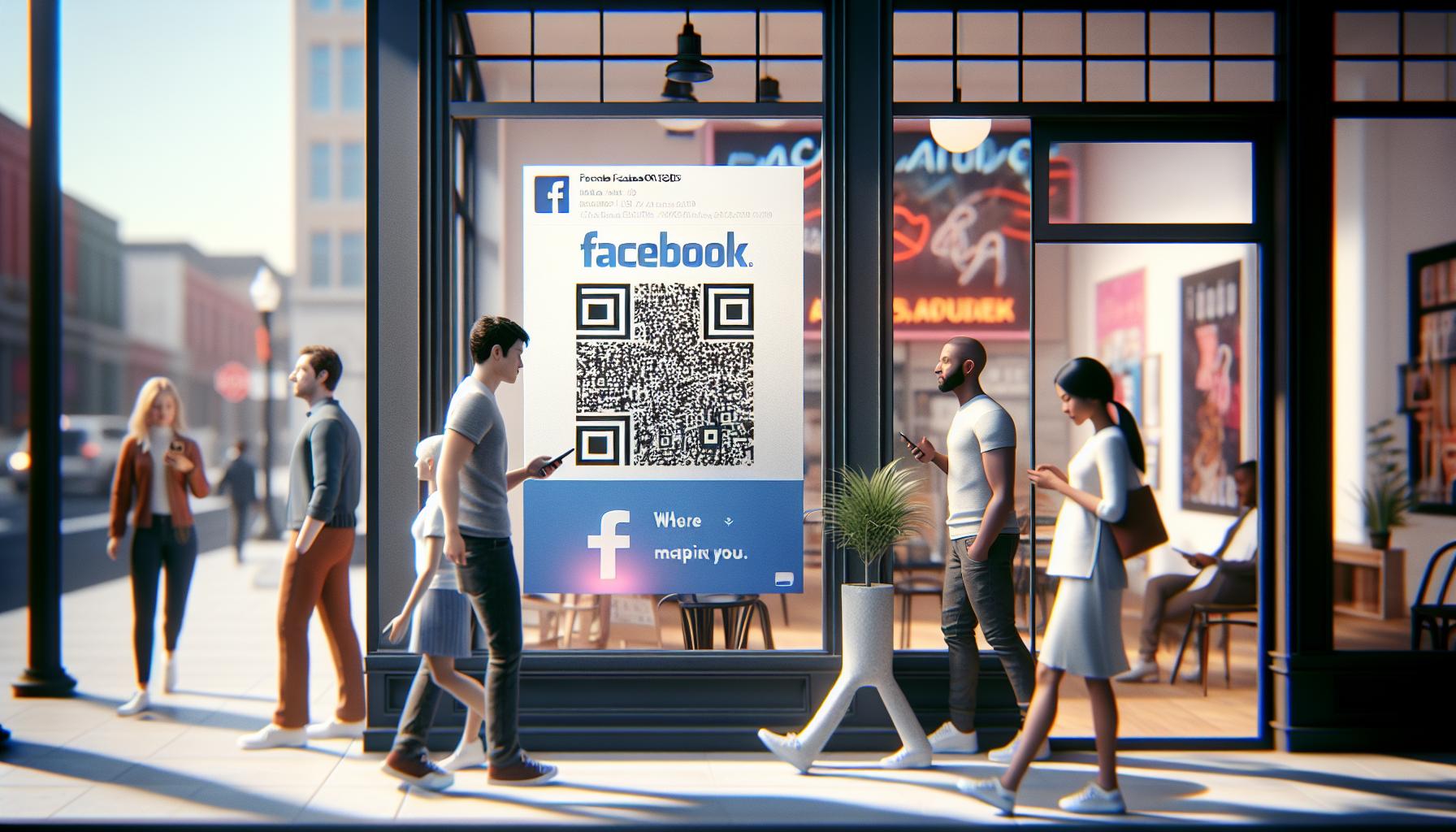
Where to Place Your Facebook QR Code for Maximum Reach
Positioning your Facebook QR code effectively is crucial for maximizing its reach and engagement. When strategically placed, your QR code serves as a direct gateway for users to connect with your brand, making it essential to consider the visibility and context of each location. Here are some impactful strategies for ensuring your QR code garners attention and drives interaction.
Utilize high-traffic areas where your target audience is most likely to congregate. This could be at physical locations such as retail stores, trade shows, or events. For instance, displaying your QR code prominently near the checkout area can prompt customers to connect with your brand on Facebook while waiting in line. Another excellent location is at community gatherings or festivals, where you can engage with a large audience and foster new followers among individuals interested in your service or product.
Additionally, leverage your digital presence by linking your QR code across various online platforms. Share it in your email newsletters, where recipients are naturally inclined to engage. Include it in blog posts or articles that discuss your brand, paired with a brief explanation of the benefits of connecting on Facebook. Social media posts themselves are another prime opportunity; consider designing eye-catching graphics featuring the QR code to encourage interaction.
Ideal Offline and Online Locations
Below are some recommended places to enhance visibility and connection through your Facebook QR code:
- Print Marketing Material: Include your QR code on brochures, flyers, and business cards to facilitate direct access to your Facebook page.
- Product Packaging: If you sell tangible products, integrate the QR code on the packaging to encourage customers to learn more about your brand online.
- Advertisements: Utilize outdoor banners, posters, or even newspaper ads to challenge potential customers to engage with your brand through a quick scan.
- Presentations: If you’re speaking at an event or collaborating with other businesses, incorporate the QR code into your presentation slides.
Making the Most of Seasonal and Campaign Opportunities
Consider the timing of your placements as well. During seasonal promotional events, such as holidays or back-to-school seasons, a well-placed QR code can remind potential customers to engage for exclusive deals. For instance, you can feature your QR code at pop-up shops or during promotional sales to encourage visitors to follow your page for updates and future sales announcements.
By thoughtfully placing your Facebook QR code in both physical and digital spaces, you can significantly enhance its efficacy, turning passive viewers into active followers. This multifaceted approach not only broadens your audience but ensures you are engaging customers where they are most likely to connect with your brand.
Promoting Your QR Code: Strategies for Engagement
Engaging your audience with a compelling Facebook QR code is not just about its design or placement; it’s about driving awareness and interaction. An effective promotional strategy can turn a simple scan into a rich interaction with your brand. To ensure that your QR code gets the attention it deserves, consider several strategic approaches that can enhance visibility and prompt users to engage with your Facebook page.
First, leverage the power of social media to spread the word. Creating buzz about your QR code can significantly boost its usage. Announce the QR code’s availability through a dedicated post on your Facebook page, highlighting its value. For example, you could offer special promotions or exclusive content available only to those who scan the QR code. Additionally, incorporating Instagram Stories or Reels to showcase how to use the QR code can engage your audience visually and provide step-by-step guidance in a format they are accustomed to.
Next, consider running contests or giveaways that require scanning the QR code to participate. By incentivizing interaction, you create a catalyst for engagement. Make the rules easy to follow-ask participants to scan the code and comment or share a post to enter. This not only increases your followers but also generates organic engagement as participants share their experiences with friends. Furthermore, highlight these activities with engaging visuals and stories to enhance reach.
Another powerful strategy is to utilize collaborations with influencers or other businesses. Partnering with popular local figures or brands within your industry can increase your exposure significantly. Have them share your QR code with their followers, encouraging them to connect with your Facebook page for special promotions or insights. This cross-promotion can attract a new audience that values social proof, making them more likely to follow your page.
Lastly, make sure to communicate the benefits of scanning your QR code clearly. Whether it’s accessing exclusive content, signing up for a newsletter, or participating in a loyalty program, clearly illustrating what the user will gain emphasizes the value of the interaction. Visual prompts, such as arrows or brief instructions near the QR code, can also enhance user understanding and reduce any hesitation they may feel about engaging.
By employing these strategies, you can effectively promote your Facebook QR code, turning casual interest into meaningful connections with your audience. Crafting a multi-faceted approach will help ensure your QR code doesn’t just exist but thrives within the spaces you inhabit.
Measuring the Impact of Your Facebook QR Code
Understanding how your QR code is performing on Facebook can significantly enhance your marketing strategy. By measuring its impact, you can identify areas of success and opportunities for improvement, allowing you to refine your approach and maximize audience engagement. Here are effective ways to evaluate the performance of your Facebook QR code.
One of the primary metrics to track is the number of scans. Utilizing QR code generators that offer analytics features can provide insights into how frequently your code is being scanned and from which locations. This data is invaluable as it helps you understand your audience better. For instance, if a significant number of scans come from a specific location, it may indicate where to focus your advertising efforts or where to host events.
Another critical factor is the engagement rate on your Facebook page after someone has scanned the QR code. Monitor metrics such as likes, shares, comments, and new followers immediately following the deployment of your QR code campaign. Facebook Insights provides detailed analytics on posts and overall page performance, allowing you to correlate changes in engagement with the deployment of your QR code. If you notice increased interactions during a promotional event or campaign, it could indicate that the QR code successfully attracted new members to your community.
It’s also essential to track the specific actions users take once they arrive on your Facebook page. Are they signing up for newsletters, entering contests, or clicking on your promotions? Setting up Facebook Pixel, for example, provides you with detailed tracking capabilities, enabling you to monitor user behavior and conversion rates. Analyzing this data can help you understand which content resonates most with your audience and tailor future promotions accordingly.
Collecting Feedback for Continuous Improvement
To enhance your QR code initiatives further, consider collecting direct feedback from your audience. Create engaging posts or surveys asking users about their experience with the QR code-was it easy to scan? Did they find the content appealing? This qualitative data can provide context to your analytics and inform improvements for future campaigns.
In addition, keep an eye on the competitive landscape. Monitor how similar businesses are utilizing QR codes and their engagement levels. This benchmarking can offer inspiration and identify where enhancements could be made on your own page.
is not just about collecting data; it’s about extracting actionable insights to strengthen your connection with your audience. By combining quantitative metrics with qualitative feedback, you can create a comprehensive overview of your QR code performance, ultimately leading to more effective marketing strategies and deeper audience engagement.
Best Practices for Using QR Codes in Marketing
Using QR codes effectively in marketing can open new avenues for audience engagement and brand visibility. These versatile tools bridge the gap between offline experiences and your online presence, making it crucial to integrate them thoughtfully into your marketing strategy. Here are some best practices to consider for maximizing the potential of QR codes in your Facebook marketing efforts.
To start, ensure your QR code is easily scannable and visually appealing. Opt for high-contrast designs that stand out against potential backgrounds, guaranteeing that users won’t struggle to scan them. A clutter-free layout and a size of at least 1 inch by 1 inch will facilitate scanning both digitally (in ads) and physically (on posters or business cards). Additionally, consider adding a call-to-action (CTA) directly next to the code, such as “Scan for Exclusive Content!” or “Join Our Community!” This straightforward invitation can encourage immediate action.
Next, test your QR code in various settings and devices. Different smartphones and applications can yield varying results, so running a few trials across common devices helps ensure accessibility. For example, Apple and Android devices handle QR codes smoothly, but some third-party scanning apps might have issues. Performing these tests can help you identify and mitigate any user experience hurdles before launching your campaign.
To amplify the reach of your QR code, integrate it across multiple platforms and touchpoints. Beyond your Facebook page, include the QR code in email signatures, business cards, print advertising, and promotional materials at events. This multifaceted approach not only showcases the QR code’s utility but also creates a cohesive brand message across different consumer interactions.
While promoting your QR code is essential, so is maintaining user privacy and security. Be transparent about what users can expect after scanning the code. For instance, if it leads to a sign-up form, let users know how their data will be used. This transparency builds trust, encouraging more users to engage with your content. It’s also vital to regularly review your QR code’s performance metrics and maintain the linked content.
Lastly, continually refresh the content linked to your QR code. Regular updates not only keep your audience engaged with fresh material but also provide returning users with new reasons to scan it again. This could include updates on events, new promotions, or exclusive content for those who have previously interacted with your brand. By following these best practices, you’ll be well on your way to creating a seamless integration of QR codes into your Facebook marketing strategy, ultimately fostering a deeper connection with your audience.
Troubleshooting Common QR Code Issues
Many users find QR codes to be a convenient way to link offline interactions with their online presence, especially through platforms like Facebook. However, encountering issues with QR codes can be frustrating and can impede their effectiveness if not resolved promptly. Understanding the common problems associated with QR codes can empower you to troubleshoot them effectively, ensuring your audience can seamlessly connect with your Facebook page.
One frequent issue is that the QR code fails to scan. This can happen due to several reasons, including poor design or improper placement. To combat this, ensure that your QR code features a high-contrast color scheme and is sized appropriately-ideally, at least 1 inch by 1 inch. Additionally, test the code in various lighting conditions and backgrounds, as reflective surfaces can disrupt scanning. If users overwhelmingly report scanning difficulties, consider repositioning your QR code to a more accessible and visible location.
Another challenge might be related to the link the QR code directs users to. If the link is broken or it leads to outdated content, users may feel frustrated and disengaged. It’s essential to regularly check the URL associated with your QR code and update the content to ensure relevance. Keeping your audience informed about what to expect is also crucial; if the QR code directs users to a Facebook page, inform them beforehand about any potential promotions or actions available upon scanning. Adding a brief description or CTA near the code can improve user expectations and enhance engagement.
Lastly, privacy and security concerns are prevalent when using QR codes. Users are often hesitant to scan codes that lead to unknown sites. To build trust, ensure your Facebook page is public and includes clear information about data usage. Transparency is vital-let users know what kind of content they’ll gain access to and reassure them that their information will remain secure. Providing FAQs addressing common privacy concerns can also help alleviate user fears and encourage interaction with your QR code.
By proactively addressing these common issues, you can refine the user experience, ensuring your QR code serves its intended purpose of enhancing engagement with your Facebook page and brand. Taking these preventative measures will not only optimize your QR code’s functionality but also build a stronger relationship with your audience.
Using QR Codes with Facebook Ads for Enhanced Visibility
Utilizing QR codes in your Facebook ads can significantly enhance visibility and user engagement, creating a seamless bridge between your online ad campaigns and tangible, real-world interactions. Imagine this: a user scrolling through their Facebook feed sees an ad for your latest product. Instead of just clicking through to a website, they have the option to simply scan a QR code on the ad, instantly bringing them to your Facebook page where they can explore more, engage with your content, or even participate in a promotion directly. This innovative approach can help you capture attention more effectively than traditional ads.
Integrating QR Codes into Facebook Ads
To effectively incorporate QR codes into your Facebook ads, follow these simple steps:
- Generate Your QR Code: Use a reliable QR code generator to create a code that links directly to your Facebook page. Make sure to choose a URL shortening service if your link is particularly long, as this can enhance the overall aesthetic and functionality of your code.
- Design Your Ad Creatively: Integrate the QR code into your ad’s design. Ensure it is prominently featured without overshadowing the main message. Use high-contrast colors so that the code stands out while remaining in line with your branding.
- Clear Call-to-Action: Include an engaging call-to-action (CTA) next to your QR code. Phrases like “Scan for exclusive discounts!” or “Join our community!” can entice users to take action.
By effectively integrating these elements, you can create ads that not only inform but also invite user interaction, boosting engagement rates.
Enhancing User Trust and Engagement
One challenge with QR codes is that many users harbor privacy and security concerns about scanning them. To alleviate these fears, be sure to inform your audience about what happens when they scan your code. Clearly state that scanning the QR code will lead them to your official Facebook page, which is publicly accessible. Providing assurances about data protection practices fosters trust and encourages users to engage with your content without hesitation.
Additionally, consider tracking the performance of your QR codes. Tools like Google Analytics can help you assess effectiveness by analyzing traffic generated from scans. By monitoring this data, you can make informed decisions about future ad campaigns, optimizing your strategies to boost engagement and connectivity with your audience. Tailoring these efforts based on user interaction will allow you to continually refine your marketing approach.
Incorporating QR codes into your Facebook ads opens a world of possibilities for enhancing visibility and user engagement. By following these strategies, you can bridge the gap between digital and offline interactions, creating a more interactive experience that resonates with your audience while also making it easier for them to connect with your brand.
Innovative Ways to Share Your Facebook QR Code
Finding fresh and innovative ways to disseminate your Facebook QR code can dramatically increase your reach and engage your audience effectively. Think beyond traditional channels; consider incorporating your QR code across various physical and digital mediums that align with your brand identity. The more visible your QR code, the more opportunities you create for potential followers and customers to connect with your Facebook page.
One exciting approach is using QR codes in printed materials. Flyers, brochures, and business cards can easily showcase your Facebook QR code, allowing anyone with an interest in your services to scan and land directly on your page. You might want to consider adding the QR code to promotional items such as mugs, t-shirts, or tote bags. This not only promotes your social presence but also turns your merchandise into walking advertisements.
Utilizing Events for Personal Connections
Events provide a fantastic opportunity to share your QR code face-to-face. Whether you’re hosting a webinar, attending a trade show, or participating in a local festival, having your QR code displayed prominently on banners, presentations, or at your booth can boost engagement significantly. Encourage attendees to scan it during your presentation or offer a giveaway where they need to scan to enter. This direct interaction builds a sense of community and often leads to higher engagement rates on your Facebook page.
Enhancing Digital Interaction
In addition to physical spaces, utilize your digital footprint. Embed your QR code in email signatures, newsletters, and blog posts. For example, if you publish articles that relate to your brand, a quick mention to “Scan our QR code to join our Facebook community!” can prompt readers to take action. Moreover, consider sharing your QR code on platforms like Instagram Stories or Twitter where you can connect with your audience on different social networks.
Collaborative Promotions
Team up with other businesses that complement your offerings and promote each other’s QR codes. This partnership can reach a broader audience while providing value to your followers. For instance, a local café and a fitness studio could collaborate during a health awareness event, allowing patrons to scan codes to access exclusive online content from both entities. Not only does this cross-promotion extend your reach, but it also enriches the engagement opportunities for followers of both brands.
By employing these innovative strategies, you can ensure that your Facebook QR code becomes a valuable tool in your marketing arsenal, making it easy for users to connect with your page and interact with your brand in a multitude of ways. As you continue to explore creative avenues for sharing, remember that each touchpoint with your audience is an opportunity to strengthen your brand presence and foster lasting relationships.
Advanced QR Code Features for Business Pages
Utilizing advanced QR code features can significantly elevate your Facebook marketing strategy, allowing you to create a more engaging user experience while gaining insights into audience behavior. Modern QR codes can do far more than just link to a Facebook page; they can be tailored to gather data, enhance user interaction, and integrate seamlessly with your overall marketing campaign.
One of the most valuable features to consider is dynamic QR codes. Unlike static QR codes, which are permanently linked to a single URL, dynamic QR codes allow you to change the destination URL without creating a new code. This flexibility means you can update your Facebook link, direct users to specific posts, events, or promotions, and track their engagement from one code. For example, if you’re running a limited-time event or campaign on your Facebook page, you can use a dynamic QR code that leads visitors directly to that content. After the event, you could change the URL to something new, such as a sign-up page for your newsletter or a special offer, keeping your audience engaged continually.
Another powerful tool is the integration of QR codes with landing pages specifically designed for your Facebook visitors. Creating a landing page for users who scan your QR code enhances their experience by providing relevant information tailored to their interests. This page can include not just links to your Facebook content but also features such as sign-up forms, exclusive content, or promotional offers. When users scan your code, they are taken to a visually appealing page that captivates their attention and encourages interaction.
To further enhance usability, consider incorporating tracking and analytics features with your QR codes. Many QR code generators on the market offer tracking capabilities, allowing you to monitor how often your QR code is scanned, where it’s being scanned, and user engagement patterns. This data is invaluable not only for adjusting your marketing strategies but also for understanding your audience better. By analyzing this data, you can fine-tune your offerings, craft relevant content, and create personalized marketing strategies that resonate with your audience.
Prioritizing Privacy and Security
While leveraging advanced QR code features, it’s crucial to address concerns regarding privacy and security. Ensure that any links you associate with your QR code are secure and direct users to trustworthy pages. Always communicate clearly about what users can expect when scanning your QR code, whether it’s joining your community, receiving a discount, or accessing exclusive content. This transparency helps build trust and encourages more people to engage with your brand confidently.
As you explore the dynamic world of QR codes, remember that their potential hinges on creativity and strategic planning. By employing advanced features effectively, you not only streamline user interaction but also pave the way for sustainable growth in your Facebook engagement and overall digital presence.
Frequently Asked Questions
Q: How do I create a QR code for my Facebook page without any special software?
A: You can easily create a QR code for your Facebook page by using an online QR code generator like QR Code Generator or QRStuff. Simply enter your Facebook page URL, choose the style of QR code, click generate, and download your code. For more guidance, refer to our section on “Creating Your Facebook Page QR Code Step-by-Step.”
Q: What are the benefits of using a QR code for my Facebook page?
A: Using a QR code for your Facebook page increases accessibility, allowing users to quickly connect to your page by scanning the code. It can also enhance offline marketing efforts, leading to increased engagement and followers. Check out “How QR Codes Can Transform Your Facebook Page” for more insights.
Q: Can I track the performance of my Facebook page QR code?
A: Yes, many QR code generators offer analytics features that let you track how many times your code is scanned, where scans are coming from, and more. This data can help you measure the impact of your QR code strategy, as discussed in the “Measuring the Impact of Your Facebook QR Code” section of our article.
Q: What are some creative ways to share my Facebook QR code?
A: You can share your Facebook QR code on business cards, flyers, social media posts, or even in email signatures. Additionally, incorporating it into presentations or as part of your storefront signage can attract more potential followers. Explore “Innovative Ways to Share Your Facebook QR Code” for unique ideas.
Q: Are there any best practices for using QR codes effectively?
A: To use QR codes effectively, ensure they are in a visible location, test the code for functionality, and provide a call-to-action nearby. Offering a compelling reason to scan, like special promotions, can also boost engagement. Read more in our “Best Practices for Using QR Codes in Marketing.”
Q: What should I do if my QR code is not working?
A: If your QR code isn’t working, check if the URL linked to the code is correct and live. You can also test it with different QR scanning apps or try regenerating the code with a reliable QR code generator. For more troubleshooting tips, see “Troubleshooting Common QR Code Issues.”
Q: Can I customize my Facebook QR code to match my branding?
A: Yes, you can customize your Facebook QR code by changing its colors or adding a logo using various online QR code generators. Customization helps align the QR code with your brand identity, making it more memorable. Visit the “Customizing Your QR Code for Effective Branding” section for tips.
Q: How can I integrate QR codes with Facebook Ads?
A: You can integrate QR codes with Facebook Ads by including them in your ad creatives. This allows users to easily access your Facebook page or specific content, boosting visibility and engagement. For detailed strategies, check out “Using QR Codes with Facebook Ads for Enhanced Visibility.”
The Way Forward
Now that you know how to get a QR code for your Facebook page, it’s time to take action and unlock new opportunities to expand your reach. Remember, using QR codes can simplify the way you connect with followers and drive genuine engagement. If you still have questions or need more assistance, check out our detailed guides on optimizing your Facebook content and privacy settings to ensure a secure and effective online presence.
Don’t miss out on valuable insights! Subscribe to our newsletter for tips on maximizing your social media strategy, and make sure to explore our articles on leveraging Facebook Stories and Reels for greater exposure. With these tools and knowledge at your fingertips, you can confidently navigate Facebook’s complexities and make the most of your digital marketing efforts. Share your thoughts or success stories in the comments below-we’d love to hear how QR codes have transformed your outreach!


